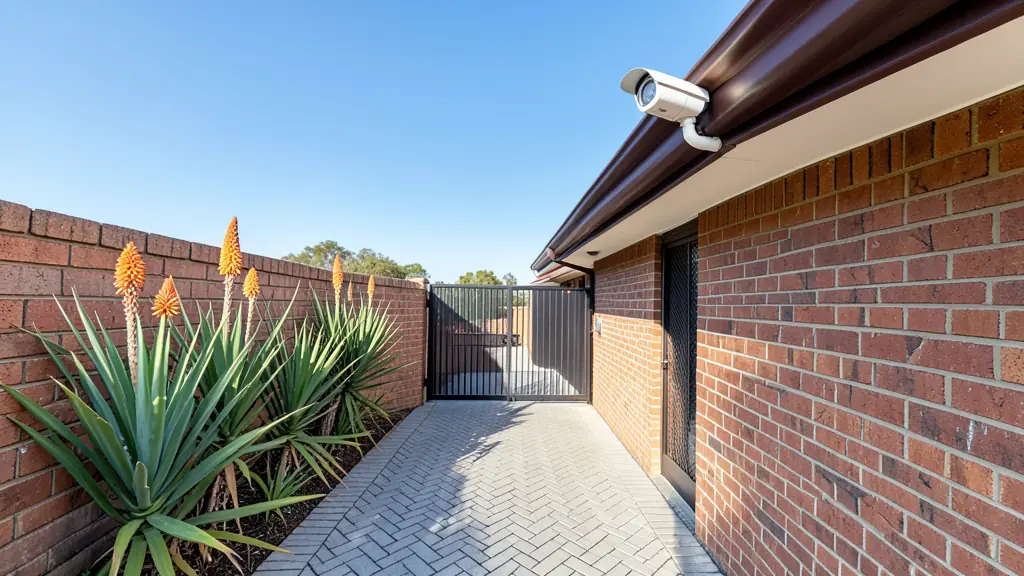
Whether a camera can identify the person at your gate depends on how many pixels land on each metre of the scene, not on the megapixels alone. A 4 MP camera with a very wide lens can show a whole yard and still be too coarse to recognise a face at ten metres.
Detect, observe, recognise, identify
The international CCTV standard IEC 62676-4 sets four levels of detail, known as DORI, by the pixels per metre on the target:
- Detect, 25 px/m: you can tell that a person or vehicle is there.
- Observe, 62.5 px/m: you can see what they are wearing and doing.
- Recognise, 125 px/m: someone who knows the person can recognise them.
- Identify, 250 px/m: enough detail to identify a stranger beyond reasonable doubt.
The calculator works out the width of the scene at your distance from the field of view, divides the camera's horizontal pixels by that width and shows which level you reach, and the farthest distance for each.
Getting the right detail where it matters
- Put one camera with a narrow view on each choke point, such as the pedestrian gate, the front door or the till, for identification, and use wide cameras for overview.
- Varifocal lenses let the installer zoom in on site to hit the level you need.
- Mount cameras at about head height to three metres where you need faces; high cameras see the tops of caps.
- Pixels per metre are the best case: night, rain and backlight reduce the usable detail, so aim above the level you need.
Use it in your quote request
Tell installers which spots need identification, for example "faces at the pedestrian gate 8 m from the house wall", and ask them to state the lens and the pixels per metre each camera gives there. It makes quotes comparable. See CCTV cameras and CCTV installation, and size the recorder with the storage calculator.
Frequently asked questions
Is a higher megapixel camera always better?
How far can a 2.8 mm camera identify a face?
Where do I find the field of view?
Do I need identification on every camera?
Sources and assumptions
- IEC 62676-4:2014, Video surveillance systems for use in security applications, part 4: application guidelines (DORI pixel densities)
Results are estimates to help you plan and compare quotes, not a quote or professional advice.
More security tools
- TOOL 01● LIVEGuard post calculatorHow many officers a post needs, and a rough monthly cost
- TOOL 02● LIVECCTV storage calculatorHard drive size and bandwidth for your cameras and retention
- TOOL 04● LIVEElectric fence and razor wire calculatorBoundary length, wire, warning signs and a rough installed price
- TOOL 05● LIVELoad shedding backup calculatorHow long your alarm, cameras and gate run on a battery
- TOOL 06● LIVEHome security checklistScore your home's security and see the gaps to close first
- TOOL 07● LIVEChecking a security companyPSIRA, insurance and contract checks before you sign