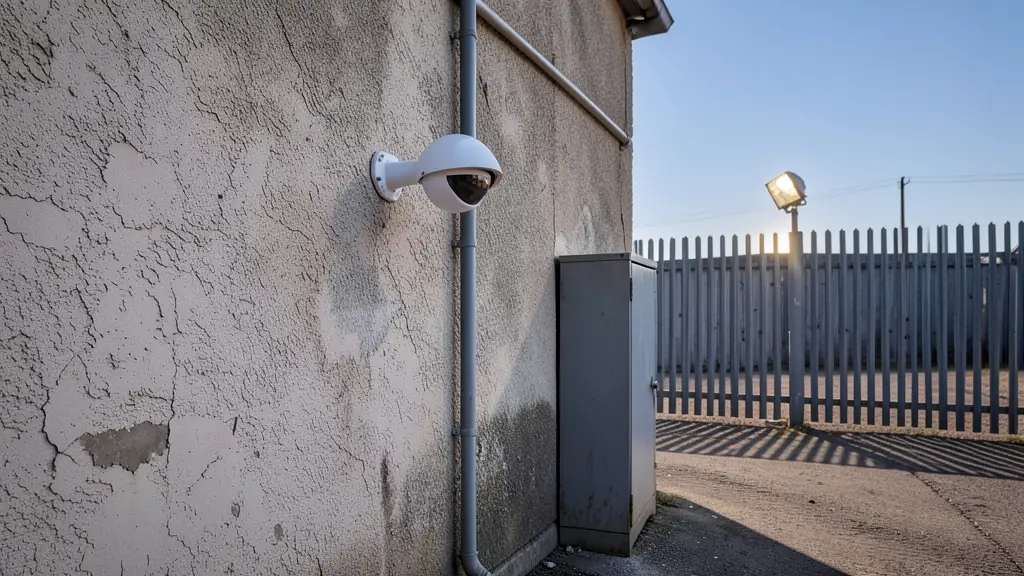
Recorders overwrite the oldest footage when the drive is full, so the drive size decides how far back you can look after an incident. Many incidents are only noticed days later, so 14 to 30 days of footage is a sensible target for a home or business, and longer for sites where insurers or a body corporate ask for it.
How the calculator works
Each camera sends a stream at a bitrate, measured in megabits per second. One megabit per second recorded for 24 hours fills 10.8 GB. The calculator multiplies the bitrate by the cameras, the share of the day that is recorded and the days you want to keep, then adds 10% headroom.
The default bitrates are typical starting values at 15 frames per second with H.264: about 2 Mbit/s for 2 MP, 4 Mbit/s for 4 MP, 5 Mbit/s for 5 MP and 8 Mbit/s for 8 MP. H.265 roughly halves them. They scale with frame rate, but not in a straight line, because a recorder compresses frames that change little. The most accurate figure is the bitrate your recorder is actually set to, so type it in when you know it.
Ways to need less storage
- H.265 or a smart codec roughly halves the storage for the same picture.
- 10 to 15 frames per second is enough for most security recording; 25 fps mainly helps for fast traffic or number plates.
- Motion recording on quiet cameras, continuous recording only on gates and tills.
- Dual streams: record the main stream and watch the sub stream on your phone, which also saves mobile data.
- Night settings: noise in dark scenes pushes bitrate up, so good lighting saves storage as well as improving the picture.
Use it in your quote request
Ask each installer which recorder and drive they offer, the bitrate and frame rate they will set, and how many days of footage that gives. Surveillance-rated drives are made to write around the clock and last longer than desktop drives. Ask too what happens to recording in load shedding; the backup power calculator helps with that. See CCTV installation and CCTV cameras.
Frequently asked questions
How many days of CCTV footage should I keep?
Does 4K need four times the storage of 1080p?
Will one hard drive be enough?
How much internet do I need to view cameras on my phone?
Sources and assumptions
- Arithmetic: 1 Mbit/s × 86,400 seconds ÷ 8 = 10.8 GB a day
- Typical bitrates are starting values; your recorder's settings give the real figure
Results are estimates to help you plan and compare quotes, not a quote or professional advice.
More security tools
- TOOL 01● LIVEGuard post calculatorHow many officers a post needs, and a rough monthly cost
- TOOL 03● LIVECamera distance calculatorCan your camera identify a face at the gate? Pixels per metre and DORI
- TOOL 04● LIVEElectric fence and razor wire calculatorBoundary length, wire, warning signs and a rough installed price
- TOOL 05● LIVELoad shedding backup calculatorHow long your alarm, cameras and gate run on a battery
- TOOL 06● LIVEHome security checklistScore your home's security and see the gaps to close first
- TOOL 07● LIVEChecking a security companyPSIRA, insurance and contract checks before you sign